

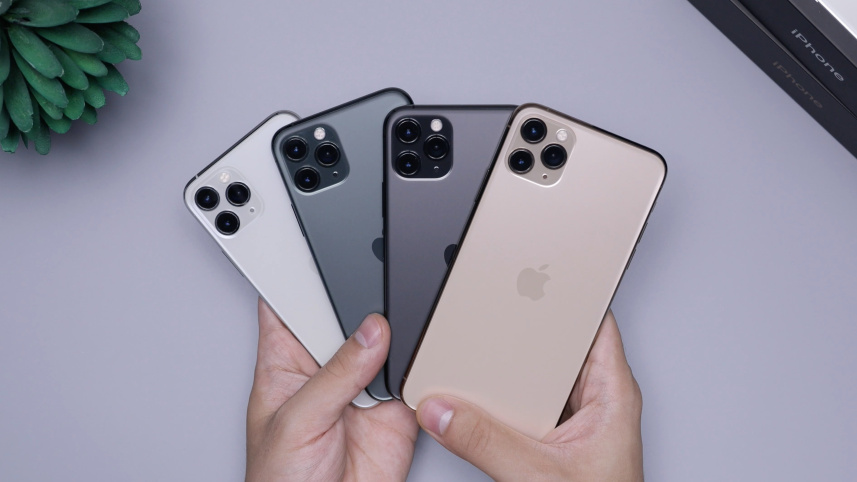
Starting with iOS 26.4, Stolen Device Protection will be enabled by default and turned on for all iPhone users. Stolen Device Protection adds extra security in case of physical iPhone theft.
 |
| Daniel Romero/Unsplash. |
Apple has begun testing end-to-end encrypted Rich Communication Services (RCS) messages in a recently released developer beta of iOS 26.4.
The company said the initial implementation introduces testing of encrypted RCS messaging, though for now the feature is limited to communication between Apple devices.
Apple implemented Stolen Device Protection back in 2023 after reports about a new iPhone theft method. Thieves would spy on an intended victim to learn their passcode, then steal the target’s iPhone. With the passcode, criminals were able to empty bank accounts, access passwords, and turn off Find My.
iOS 26.4 Enables Stolen Device Protection by Default for All iPhones #iphone #iOS https://t.co/CeHp7FY1Cs
— Mehrab360 (@mehrab360x) February 19, 2026
Stolen Device Protection requires additional authentication through Face ID or Touch ID to access certain iPhone features like the Passwords app, Lost mode in Find My, Safari purchases, and more. Some features are disabled entirely without authentication, while others have a one-hour security delay.
Actions requiring Face ID or Touch ID to complete:
1. Viewing/using passwords or passkeys saved in iCloud Keychain
2. Applying for a new Apple Card
3. Viewing an Apple Card virtual card
4. Turning off Lost Mode
5. Erasing all content and settings
6. Taking certain Apple Cash and Savings actions in Wallet
7. Using payment methods saved in Safari
8. Using your iPhone to set up a new device